 OurBrewbot
The admin page
The admin page is how you set up and watch your controller. It runs on the controller itself, so it works without an internet connection.
Opening it#
Open http://ourbrewbot-xxxxxx.local/admin in a browser on the same network as the
controller, where xxxxxx is the end of the setup hotspot's name, OurBrewbot-xxxxxx. If
that name doesn't work on your network, use the controller's IP address instead, which you can
find on your router's admin page: http://192.168.1.50/admin, for example.
The controller's home page, without /admin, lists its REST API and has an
Open Admin Dashboard button.
Getting around#
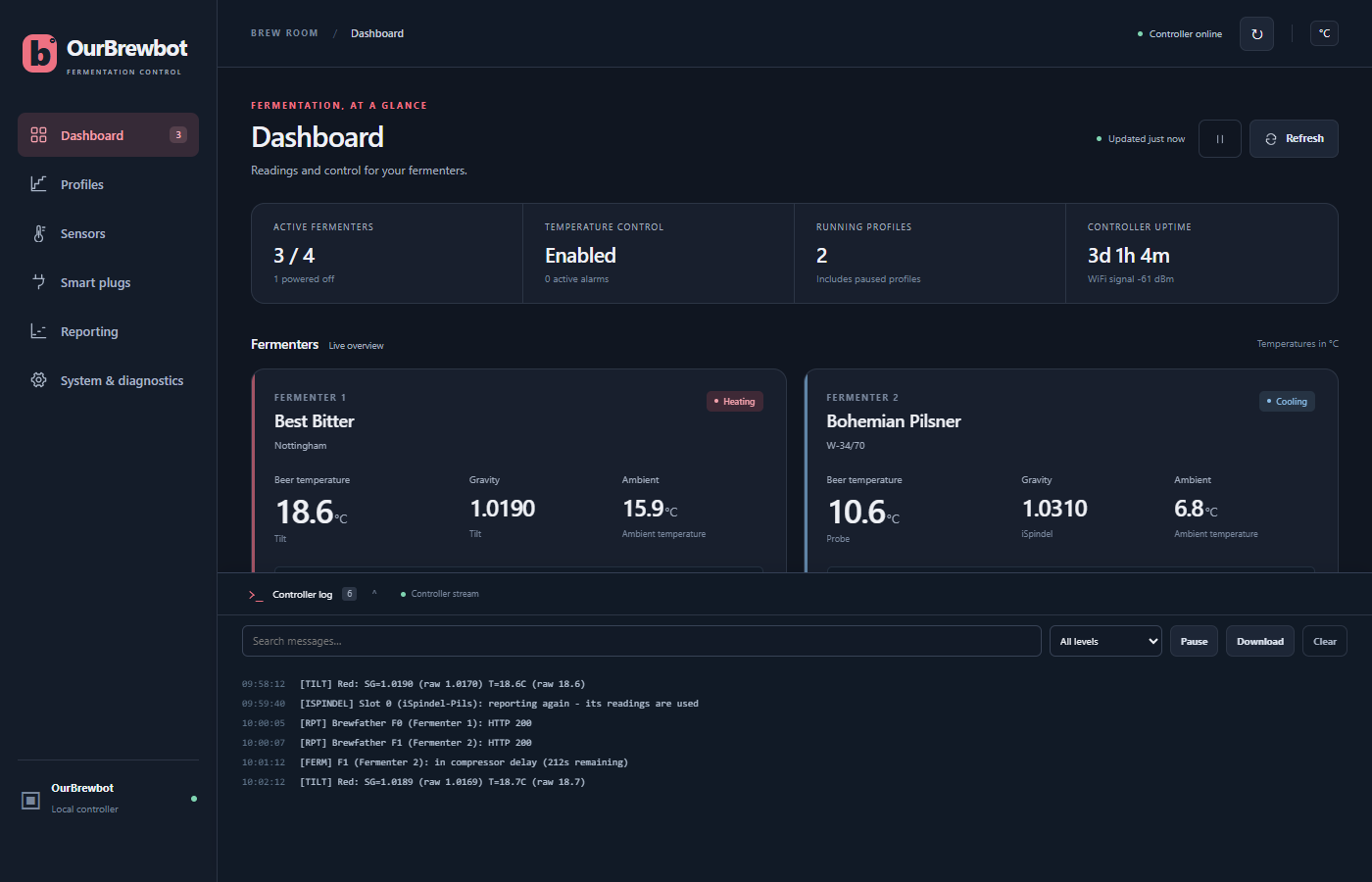
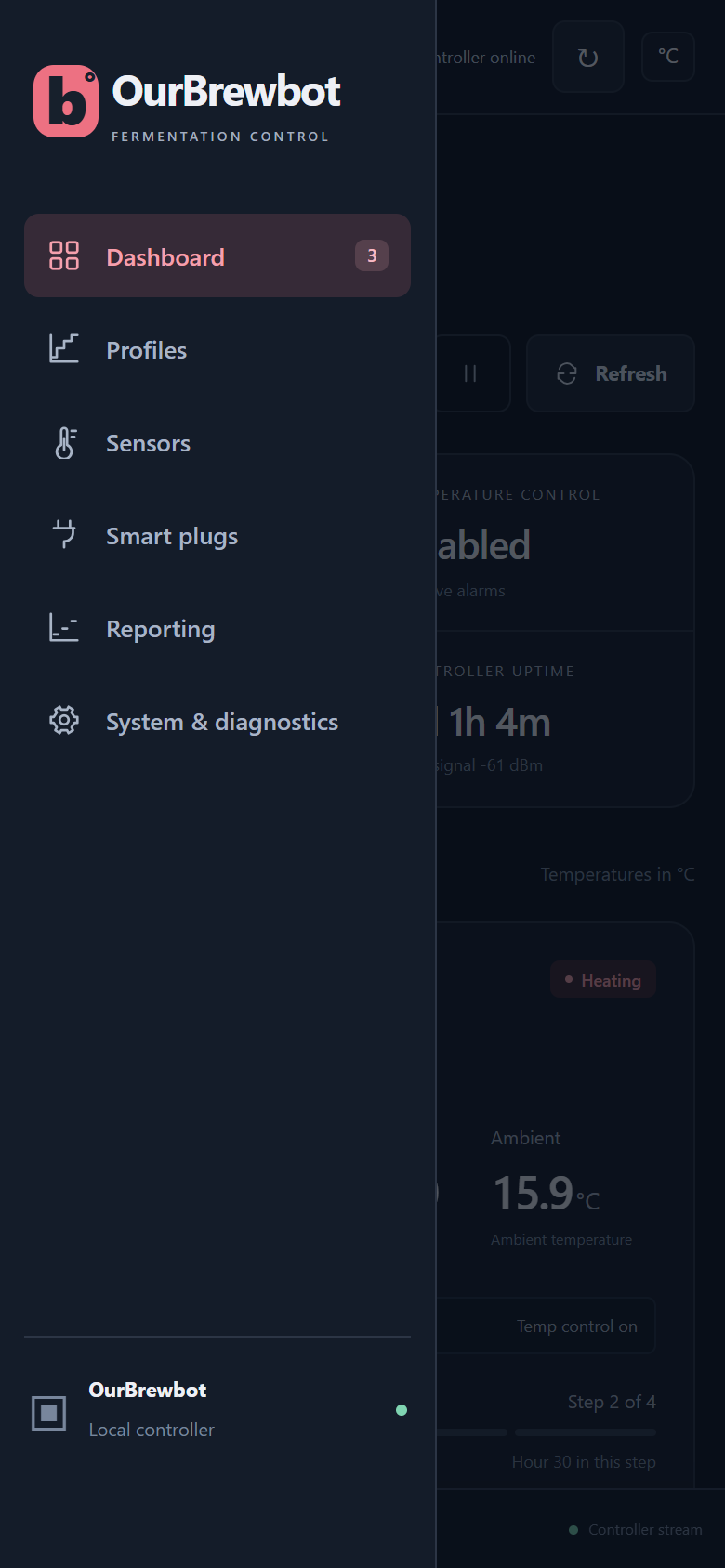
The menu on the left has a page for each part of the controller:
| Page | What it's for |
|---|---|
| Dashboard | Every fermenter at a glance, and its settings |
| Profiles | Fermentation profiles: temperature plans that run step by step |
| Sensors | Temperature probes, Tilts and iSpindels |
| Smart plugs | The RF plugs that switch your heaters and coolers |
| Reporting | Brewfather, Brewer's Friend, MQTT and Home Assistant |
| System & diagnostics | Controller, settings, backup, firmware, and the RF and Bluetooth consoles |
The number next to Dashboard is how many fermenters are switched on. On a phone, the menu is behind the ☰ button at the top left.
Along the top are:
- Controller online, or Connection lost if the page can't reach the controller.
- The ↻ button, which reads everything from the controller again straight away.
- The temperature unit in use, °C or °F. Change it in System settings.
Saving changes#
Nothing is saved until you press a form's Save button. Until then the form says what you've changed, and Discard puts it back as it was. Readings keep updating while you edit, without touching what you've typed, and the browser warns you if you try to leave the page with changes that aren't saved.
If the controller stops answering, the page says Controller is unreachable and keeps showing the last readings it had. Your unsaved changes are kept. Press Try reconnecting, or wait for it to come back.
The controller log#
The Controller log bar at the bottom of every page opens a live view of the controller's log: what it's measuring, switching and sending, as it happens. The number on the bar is how many lines it holds.
- Type in the search box to show only the lines containing that text.
- All levels can be changed to show only warnings or errors.
- Pause stops new lines arriving until you press Resume.
- Download saves the lines as a text file,
ourbrewbot.log. - Clear empties the view. It doesn't delete anything on the controller.
It starts with the last few lines the controller logged, and keeps collecting while the admin page is open, even with the log closed. It's a live view, not a stored log: lines can be missed if the page is hidden or the browser falls behind, and the log says when that happens. To keep a permanent record, send the log to a syslog server from System settings, or publish it over MQTT from Reporting.