 OurBrewbot
Firmware updates
The Firmware tab on the System & diagnostics page shows the version the controller is running, checks for a newer one and opens the firmware uploader.
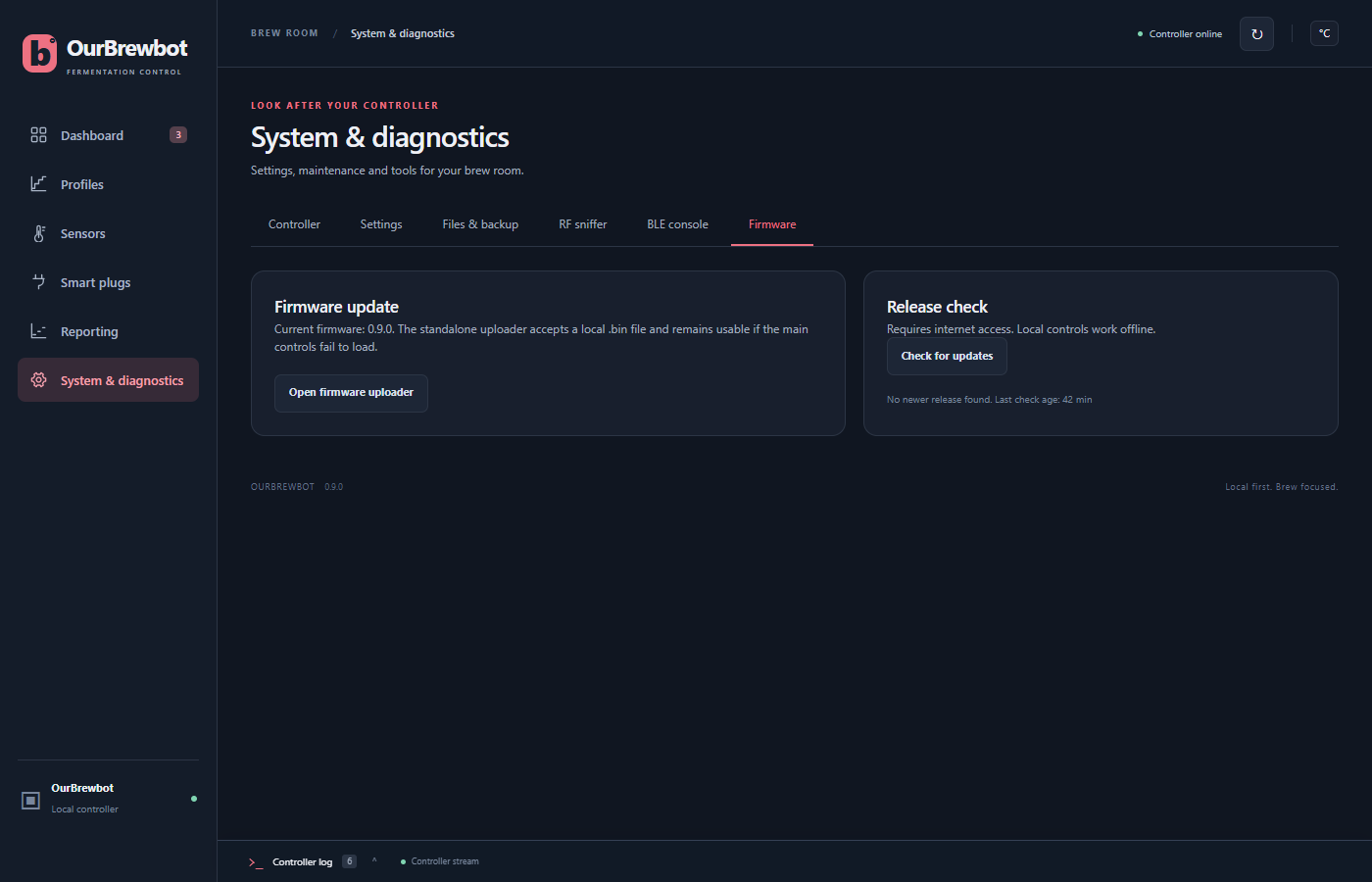
Is there a newer version?#
Release check says whether a newer OurBrewbot has been released, with a link to its release notes. The controller checks once a day by itself, unless Check for firmware updates is turned off in System settings. Check for updates checks straight away, even when the daily check is off. Both need the controller to be able to reach the internet.
Each release is announced on the News page, with what changed.
Installing an update#
- Download the new firmware,
OurBrewbot_vX.Y.Z.bin, from the releases page. - Press Open firmware uploader, choose the file and press Upload.
- The controller installs it and restarts by itself. Reload the admin page after about 20 seconds.
Your settings are kept. Every smart plug is switched off while the update is uploaded, and stays off until the controller restarts on the new firmware. If the upload fails, the controller carries on with the old firmware, and a fridge that was cooling waits out its compressor delay before it cools again.
The uploader is a separate, simple page, at /update on the controller, so it still works if
the admin page itself won't load.
To install with a USB cable instead, for example on a controller that won't start, use the browser installer.