 OurBrewbot
Files and backup
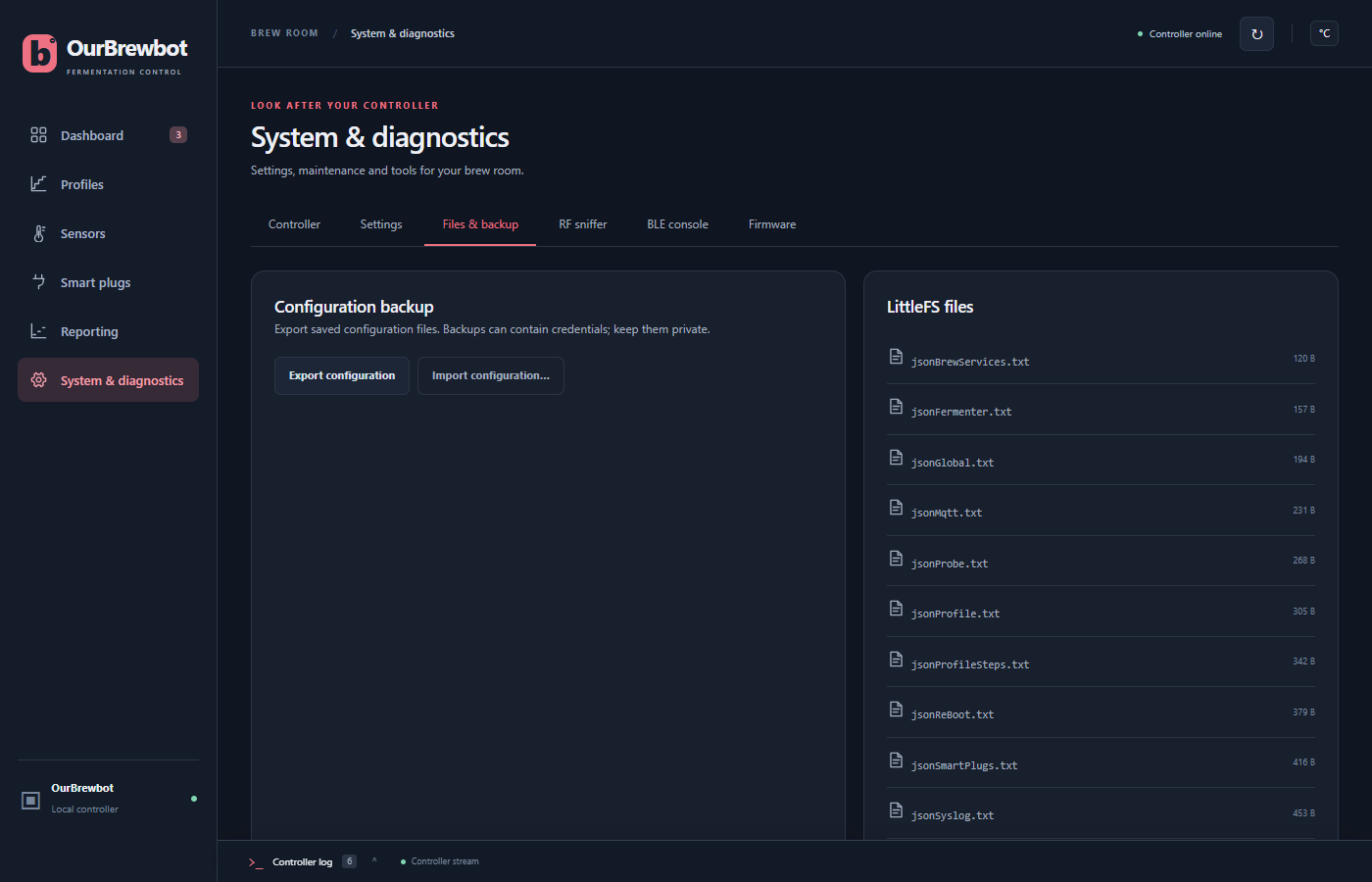
The Files & backup tab on the System & diagnostics page backs up your settings and shows the files the controller keeps them in.
Backing up#
Export configuration downloads every setting in one file, ourbrewbot-config.json: the
global settings, fermenters, probes, Tilts, iSpindels, smart plugs, profiles, brew services,
MQTT and syslog.
It only downloads a complete backup, so if a file can't be read it says so instead.
The backup holds your MQTT password and brew service IDs, so keep it somewhere private. It doesn't hold your WiFi password.
Restoring#
Import configuration… reads a backup file, says how many settings files it will replace and asks you to confirm. The controller then restarts with the restored settings. If something goes wrong part way through, it puts back the settings it had before.
The controller's files#
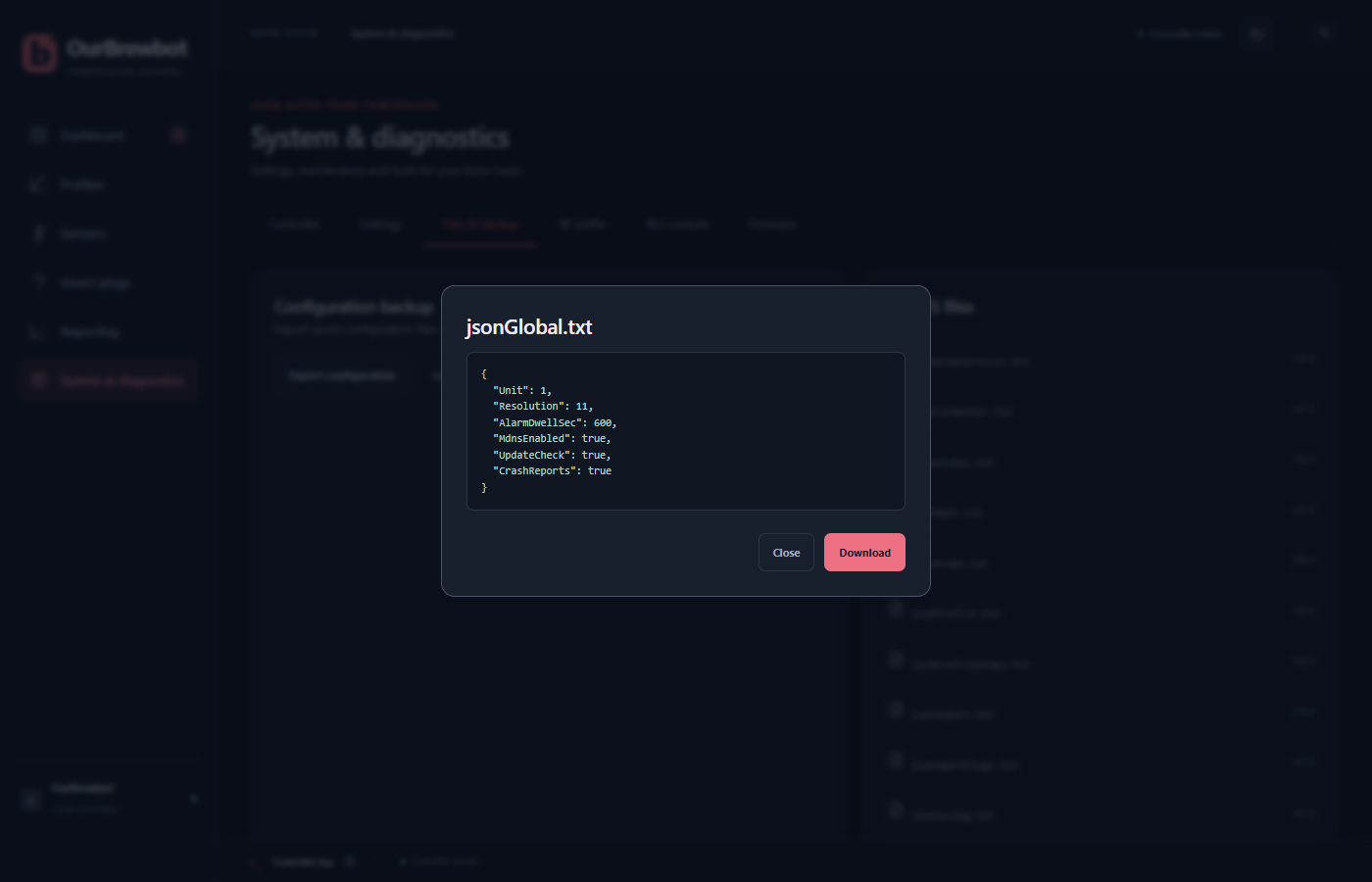
LittleFS files lists the files in the controller's own storage. Choose one to see what's in it, and Download it if you want a copy.
If you installed OurBrewbot over the original MyBrewbot firmware, the original's untouched
files are in the orig folder, and orig/conversion.txt lists every change made to them. See
Moving from MyBrewbot.